
Error - page unresponsive when importing assets
Sometime, you will get an error like this when you try to import assets into the system.
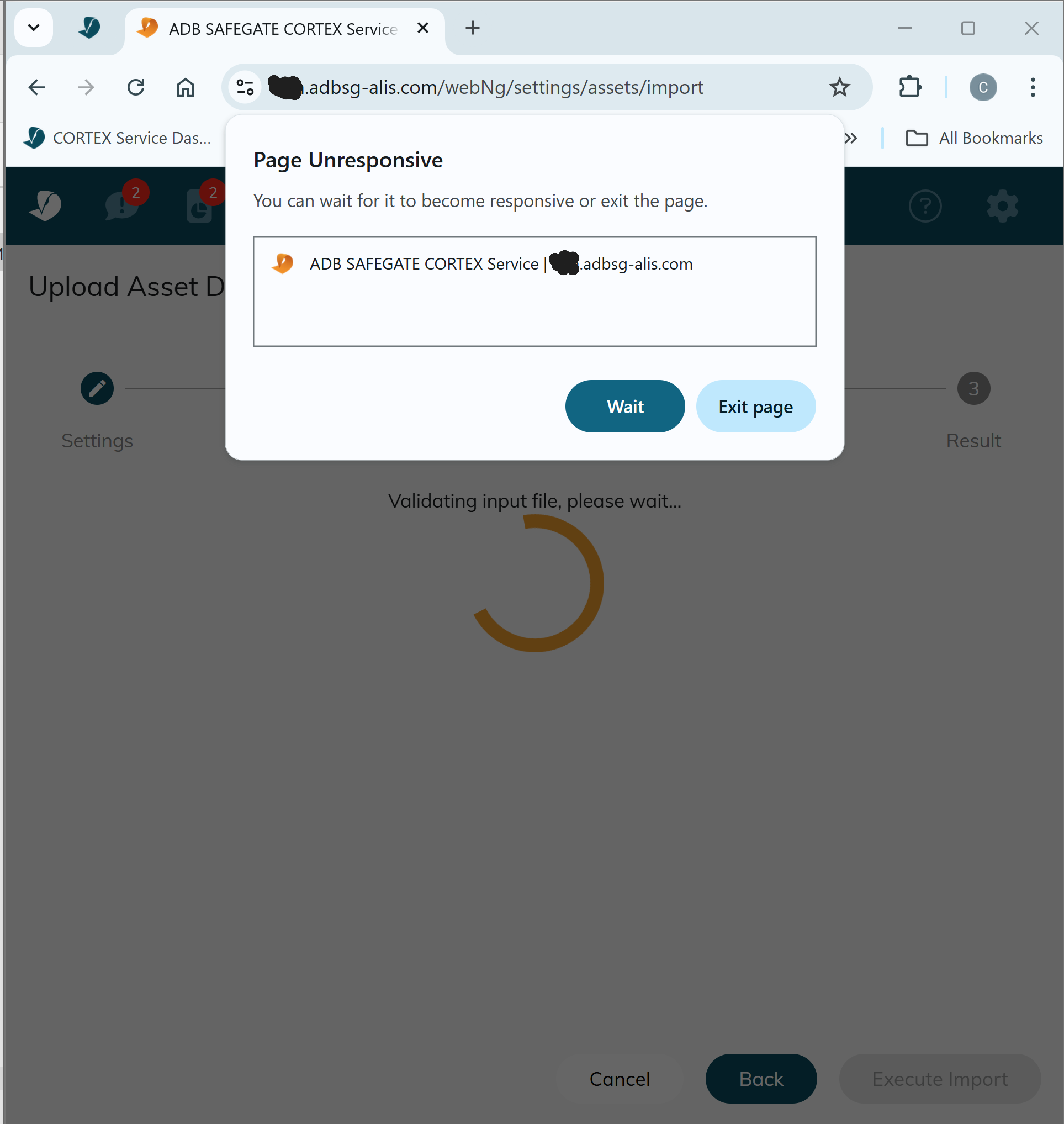
How to fix this error?
Simple, change the file format to .csv
To convert an .xlsx file to a .csv file, open the .xlsx file in Excel, then go to File > Save As and choose a save location. In the Save as type dropdown menu, select a CSV option like and click Save. Be aware that saving as CSV will remove most of the original formatting and features from the spreadsheet, it’s better that you have a backup file somewhere else.
Why is this happening?
The issue is related to the incompatibility of the excel-file (.xlsx)or the encoding of that file. The best way to go forward is converting your excel file to .csv and this will fix your problem.
 Still encountering issues? Create a ticket, describe the errors and send screenshots here: https://adbsafegate.atlassian.net/servicedesk/customer/portal/11