
How to add a small amount of assets
If you are planning to add about 10-20 assets - this is the page for you.
Add assets
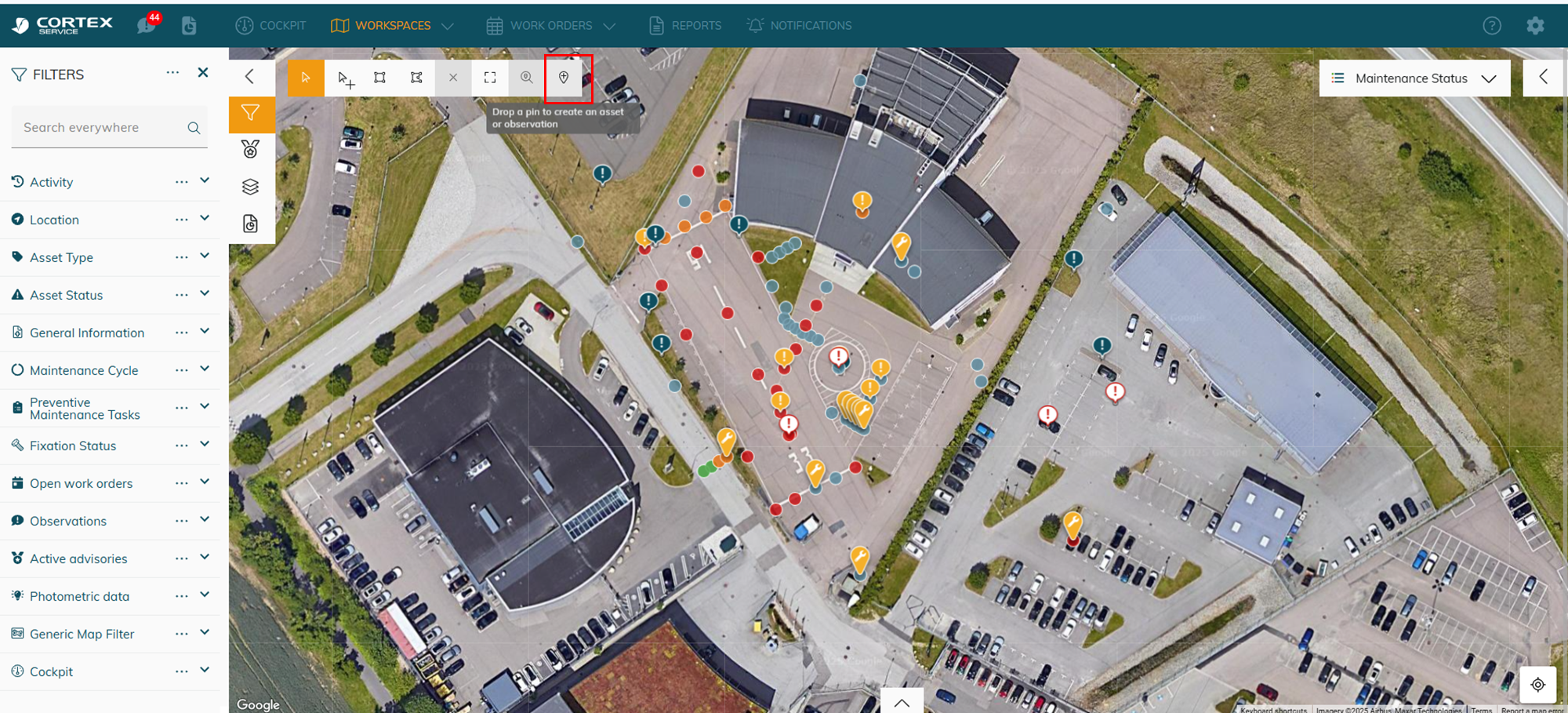
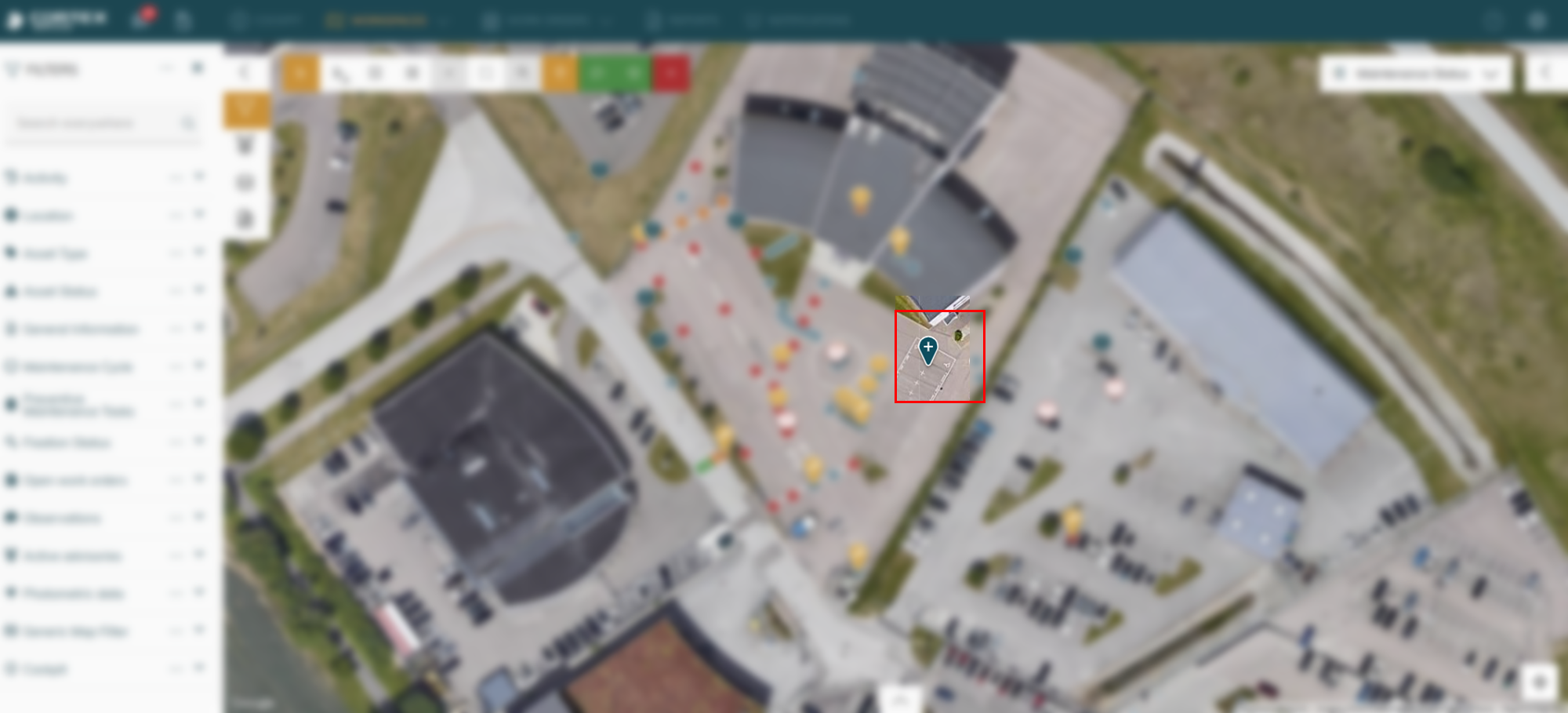
You can drag the drop pin around to your desired location
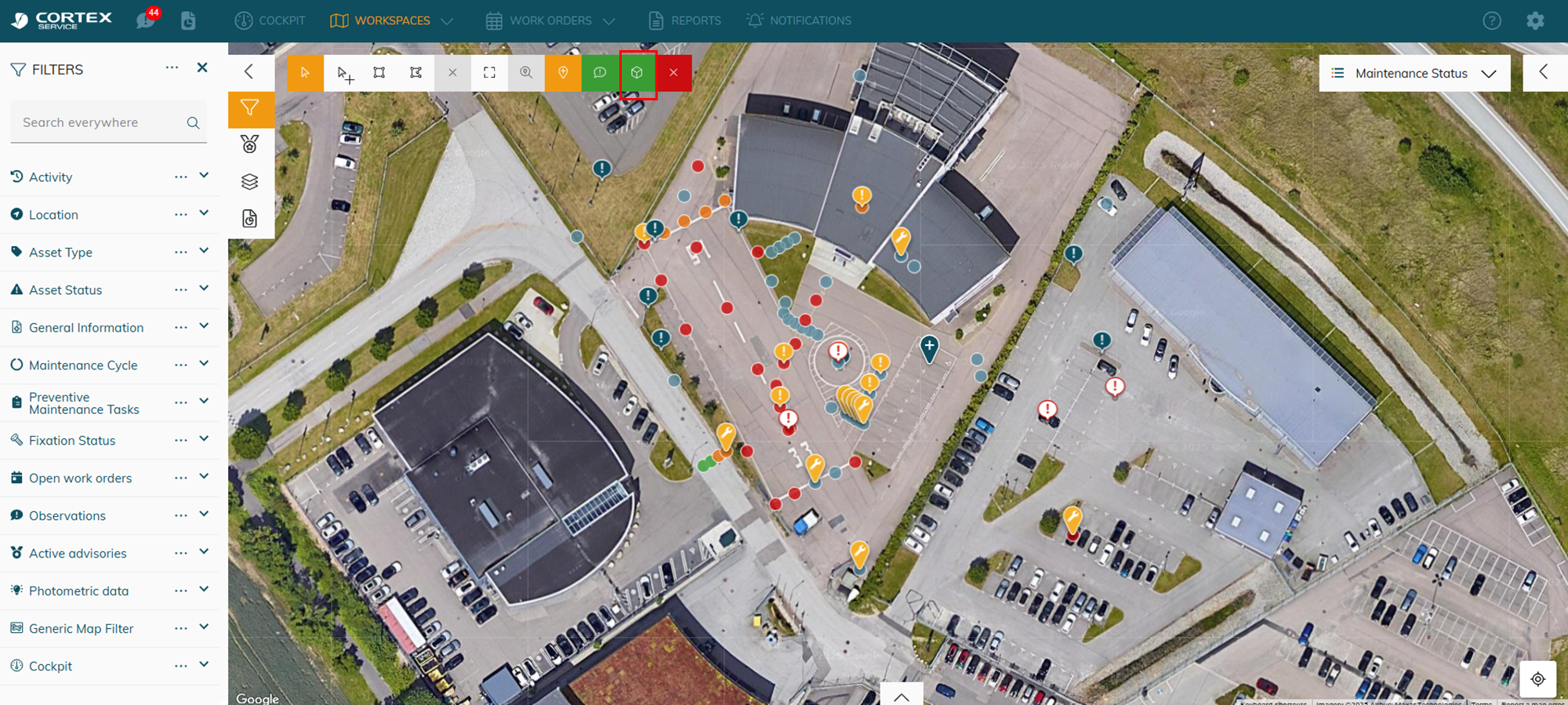
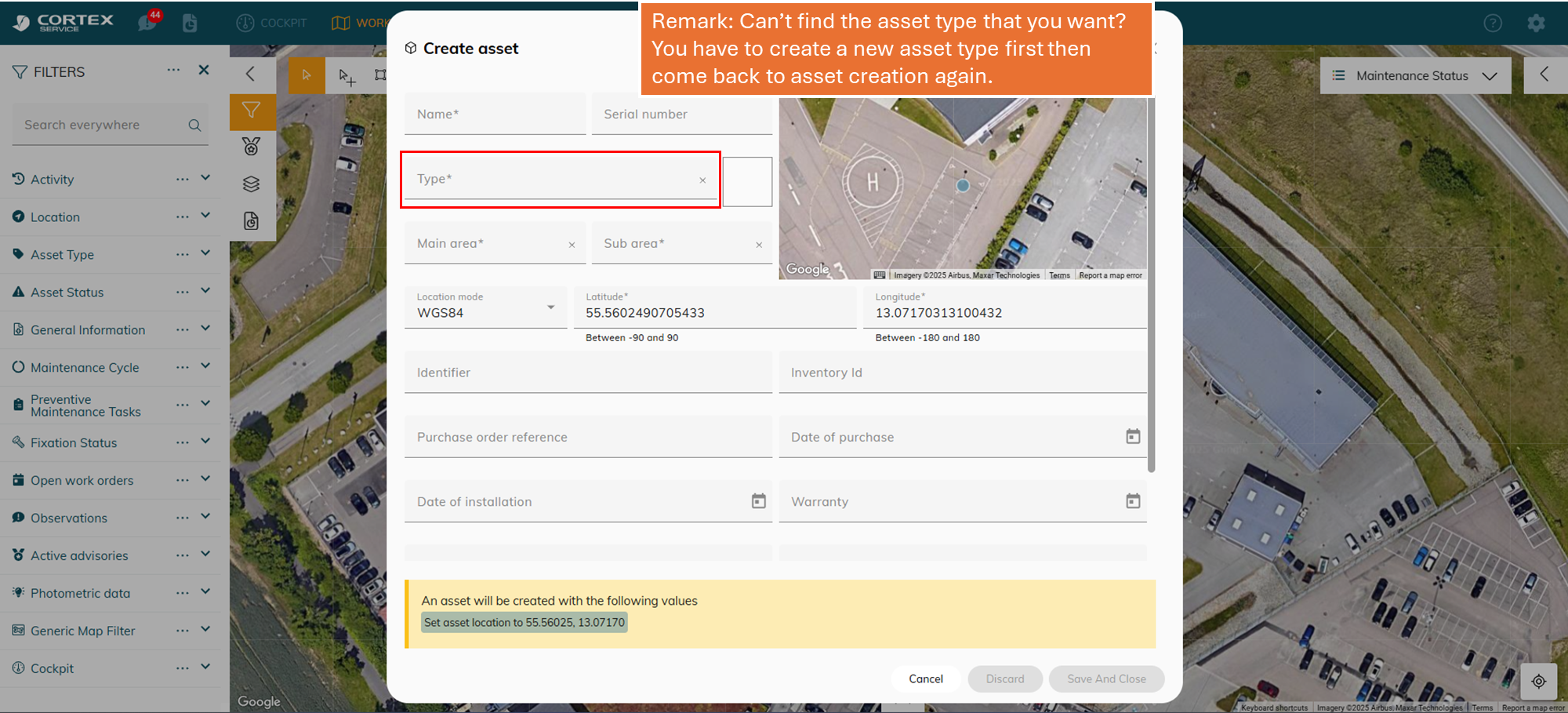
Add the necessary information. If you cannot find the asset type that you need - You have to create a new asset type! Keep reading
Create a new asset type
Asset type refers to a group of asset with the same property.
Example: I will show you how to create stop bars
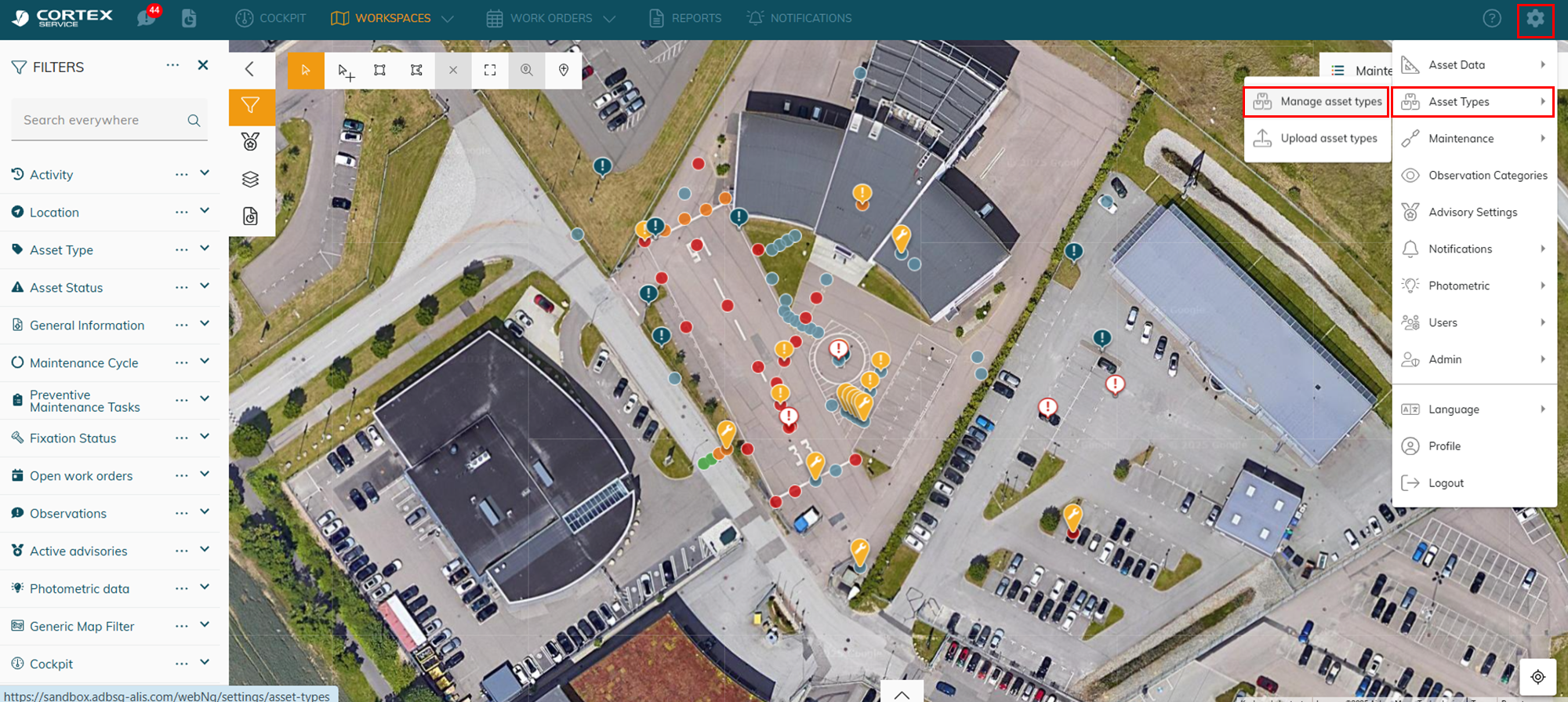
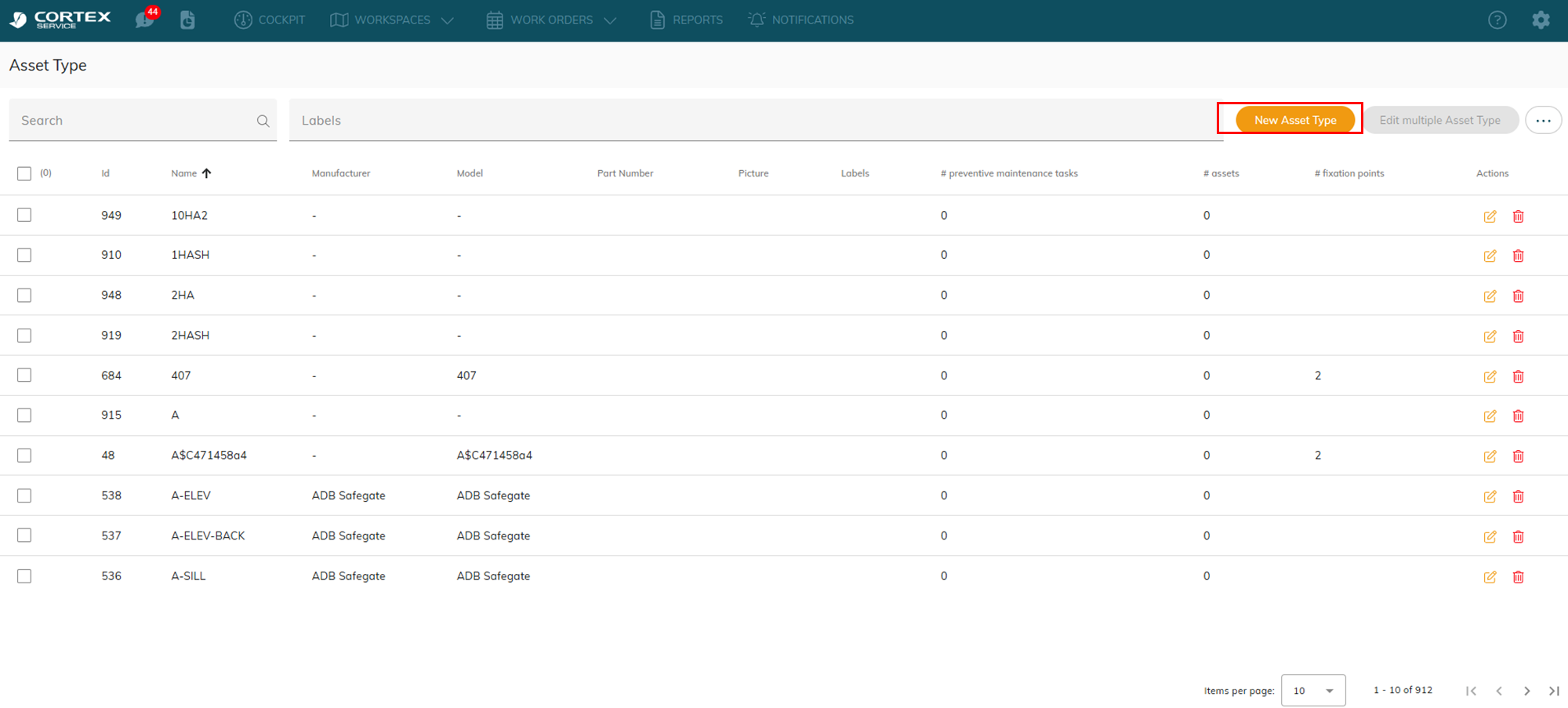
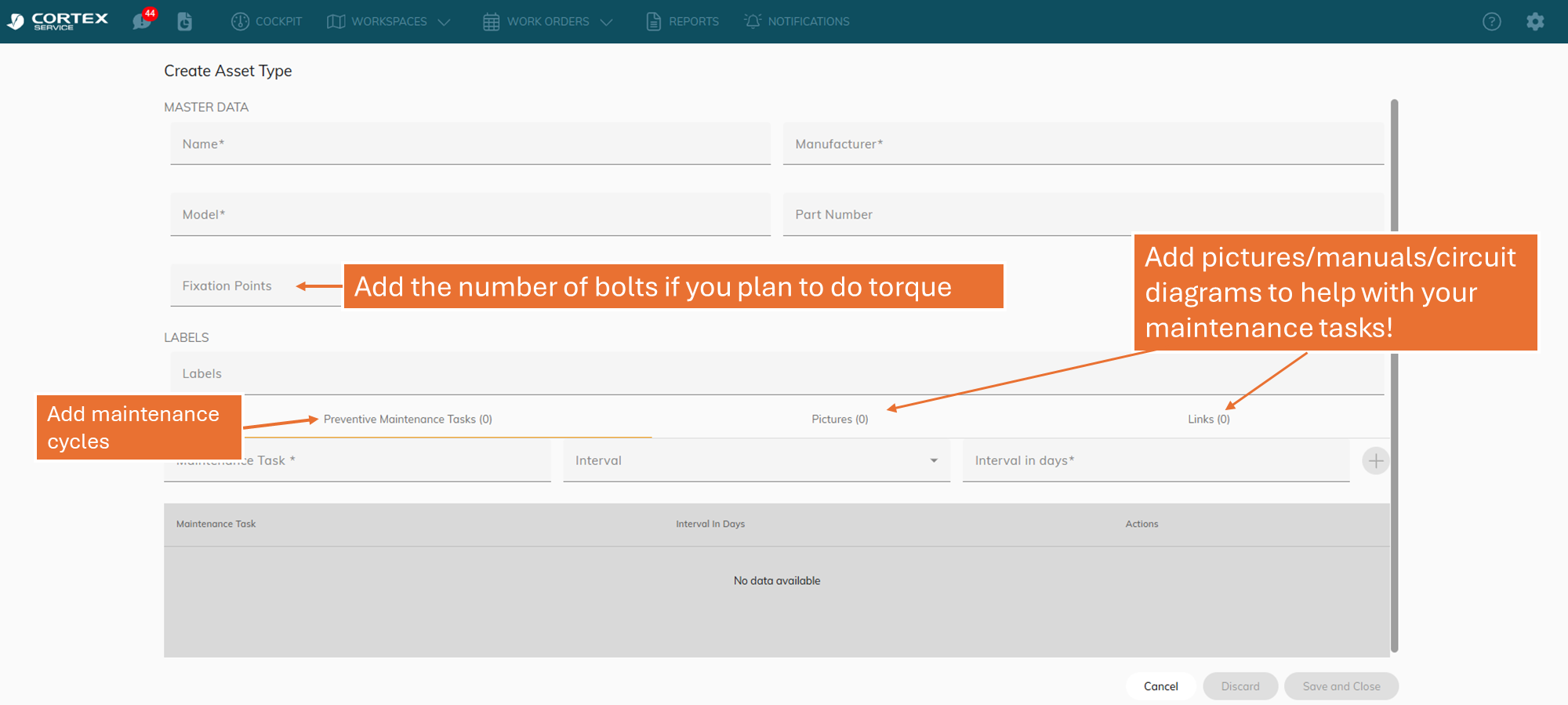
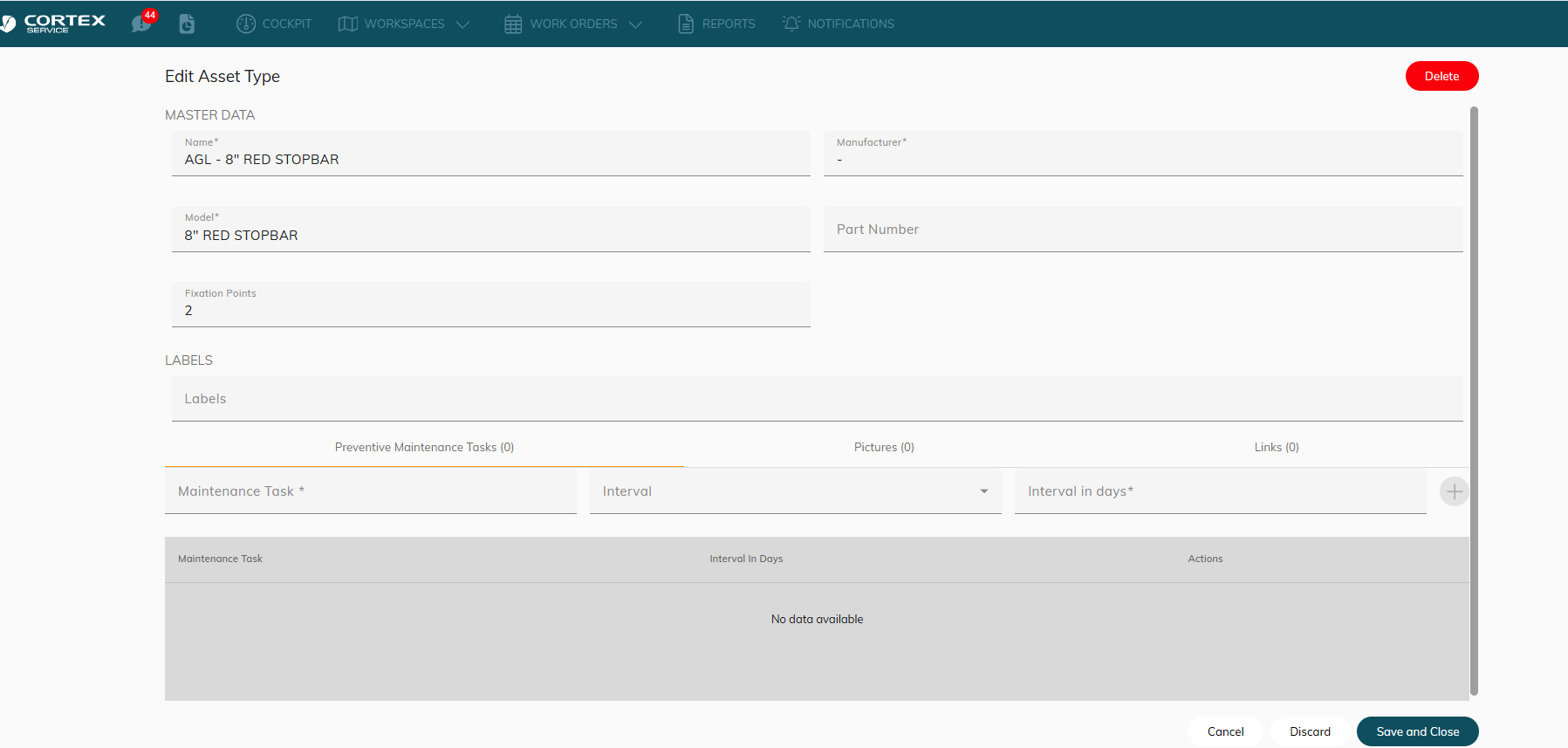
Example - I create a type call AGL - 8"“ RED STOP BAR
After you create an asset type → you can go back to create an asset and assign the type to it.
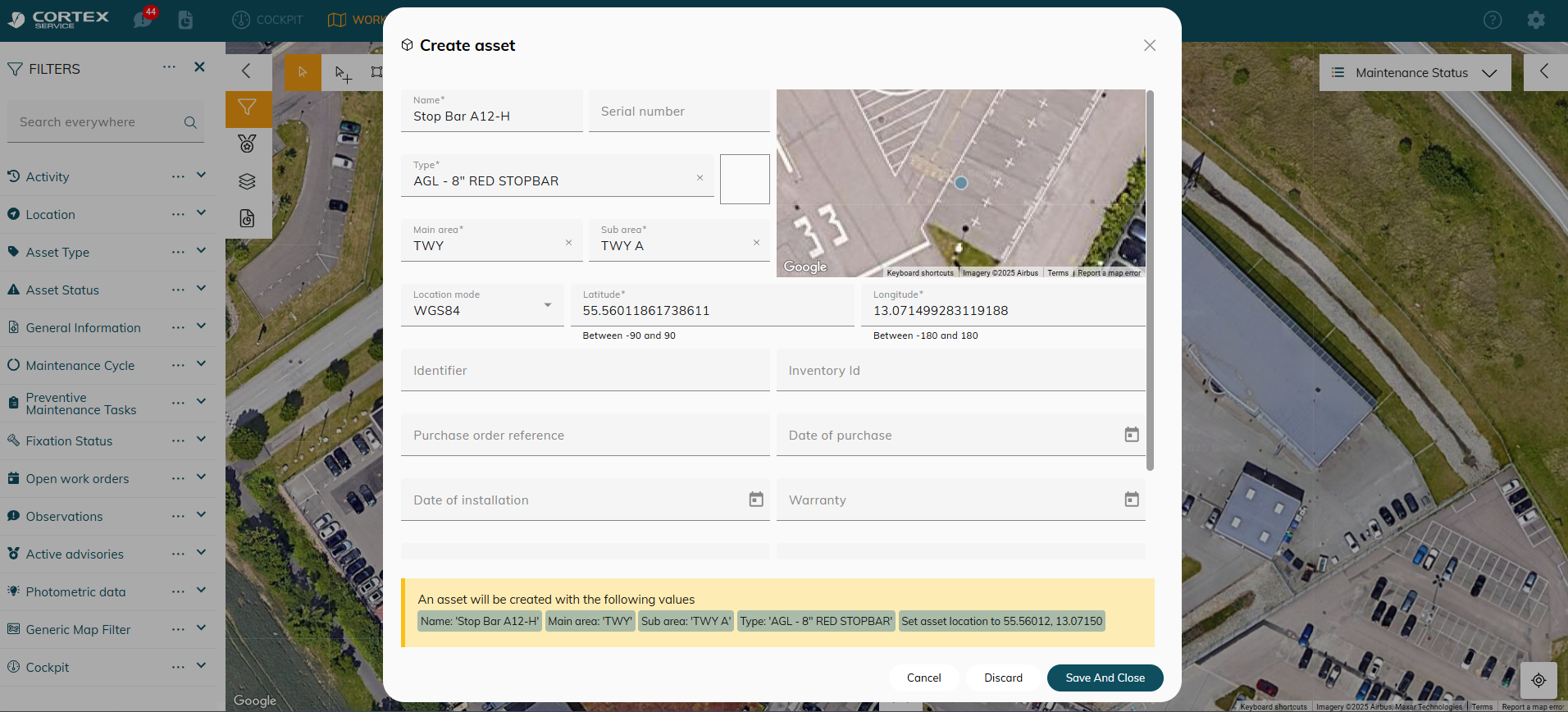
Example: I create an asset called Stop bar A12-H and assign the AGL - 8"“ RED STOP BAR type to it. Now I can create 100+ stop bars and assign this 1 type to all of them.