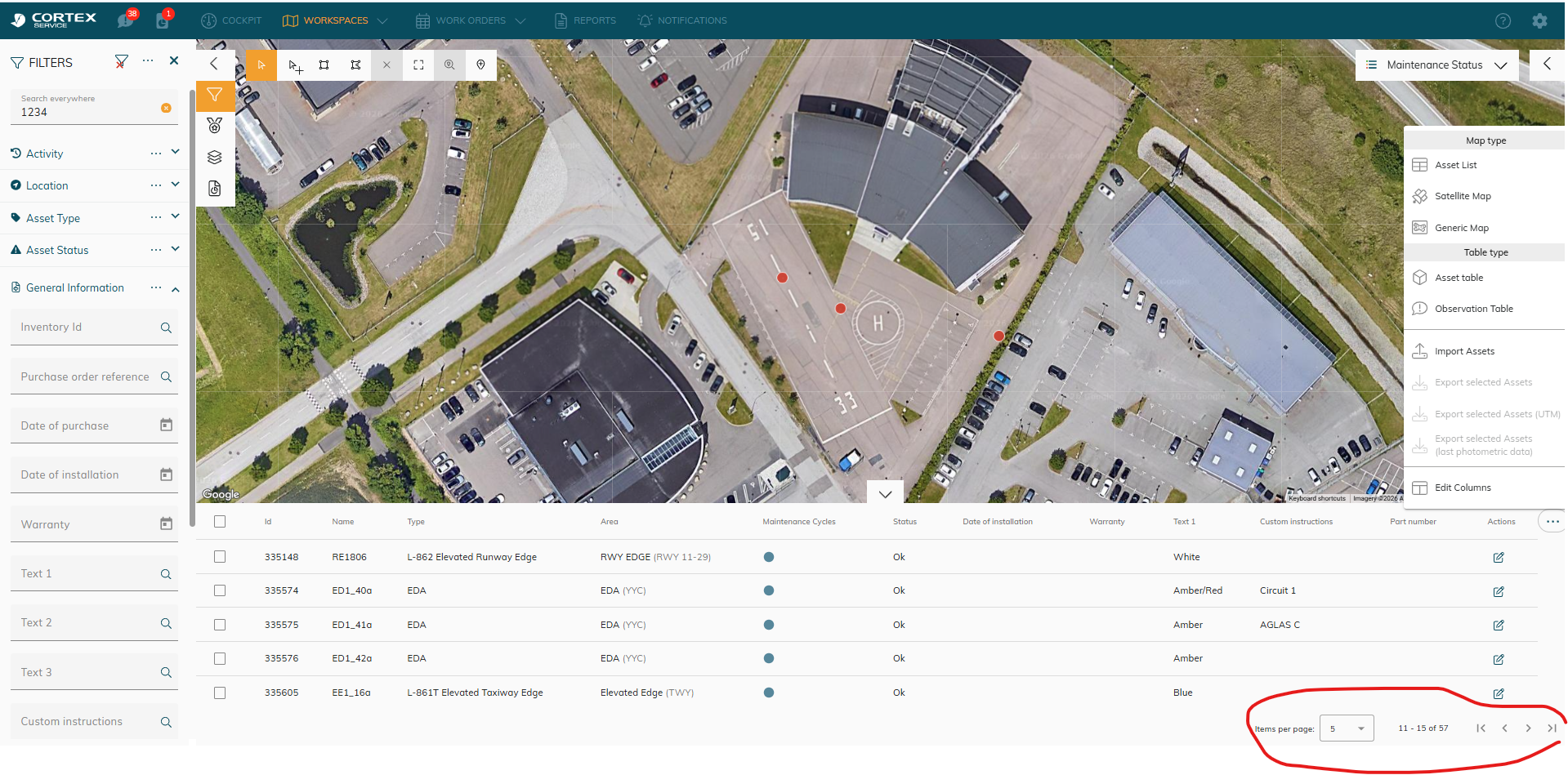
How-to search for asset ID (faster)
In CORTEX Service, we don’t have a specific filter to search for asset ID.
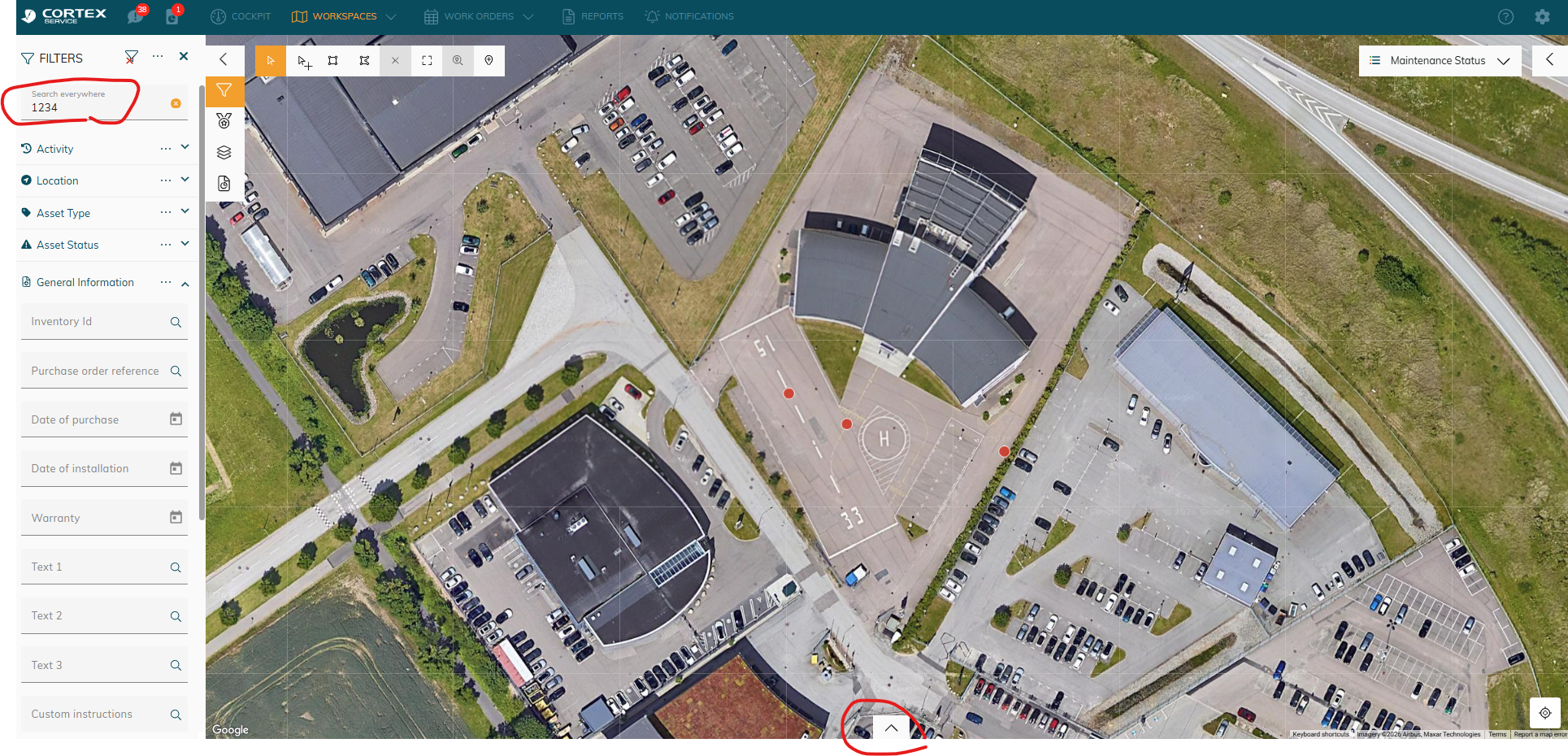
A workaround is to use the ‘Search everywhere’ and to make use of the asset at the bottom of the map:
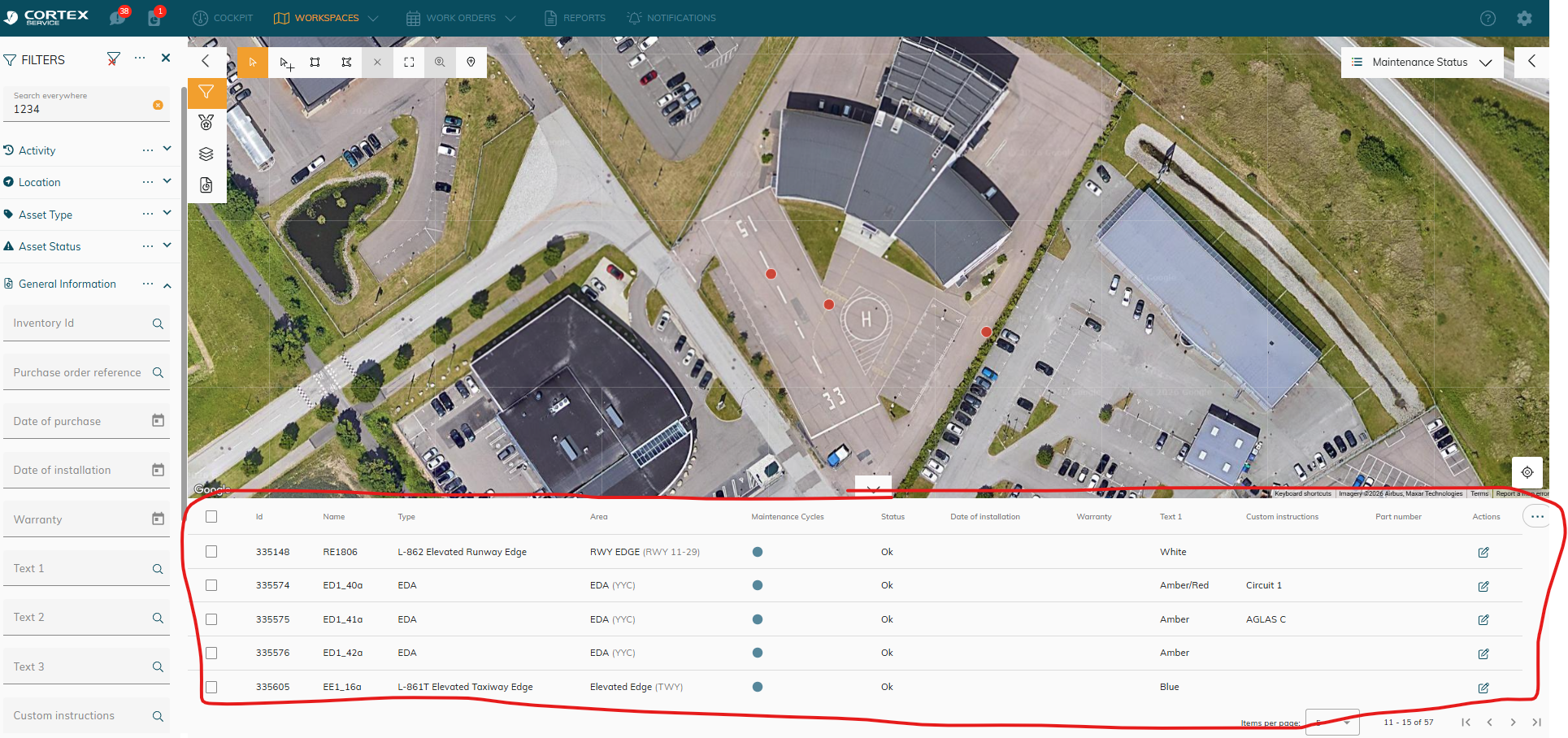
Instead of having to search for your assets one by one - now you can skim through the list of assets and find what you’re looking for.
Tips/Tricks:
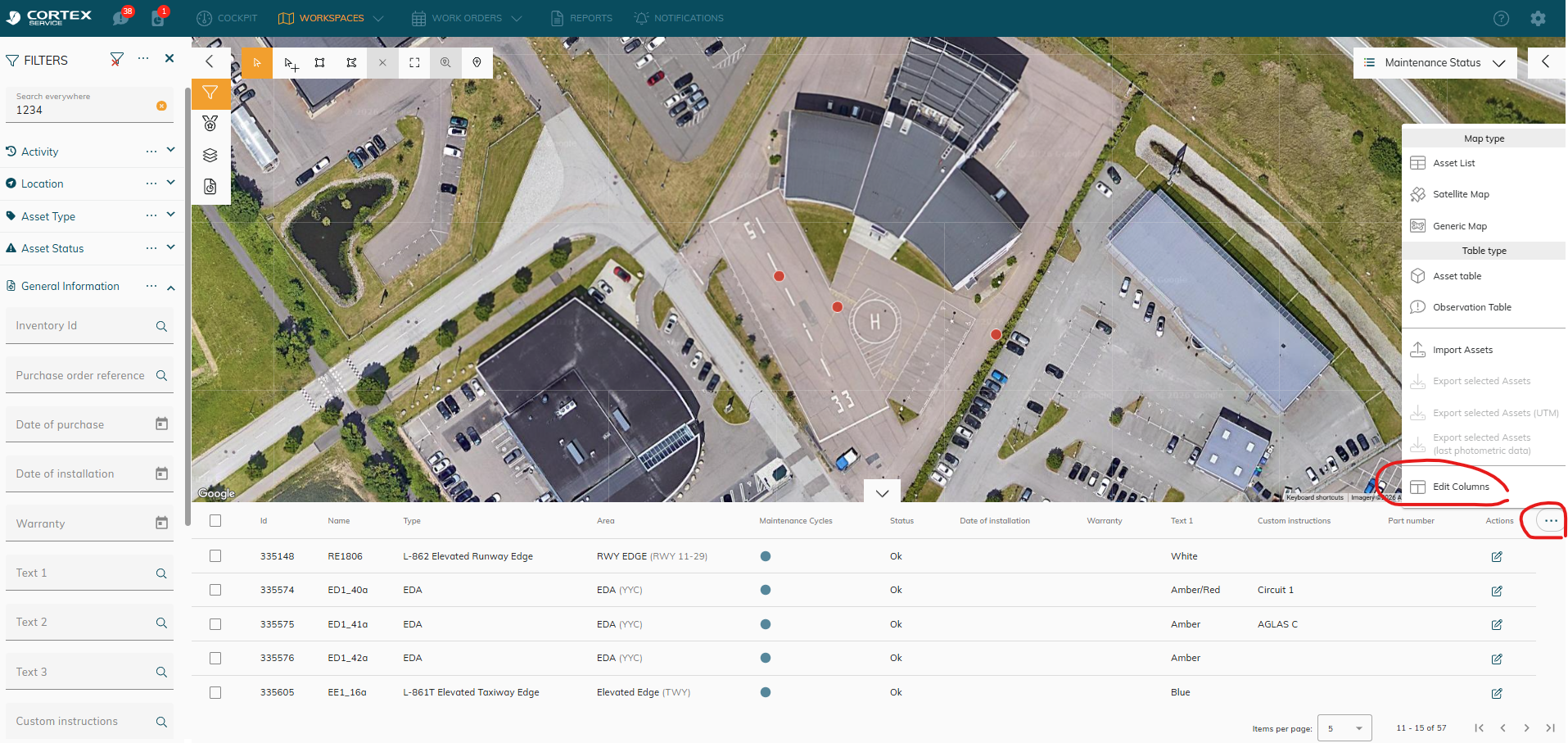
Columns are missing? You can edit the table:
You can go to the next page or edit the number of items per page: