
How to add a small amount of assets

If you are planning to add about 10-20 assets - this is the page for you.


Add assets
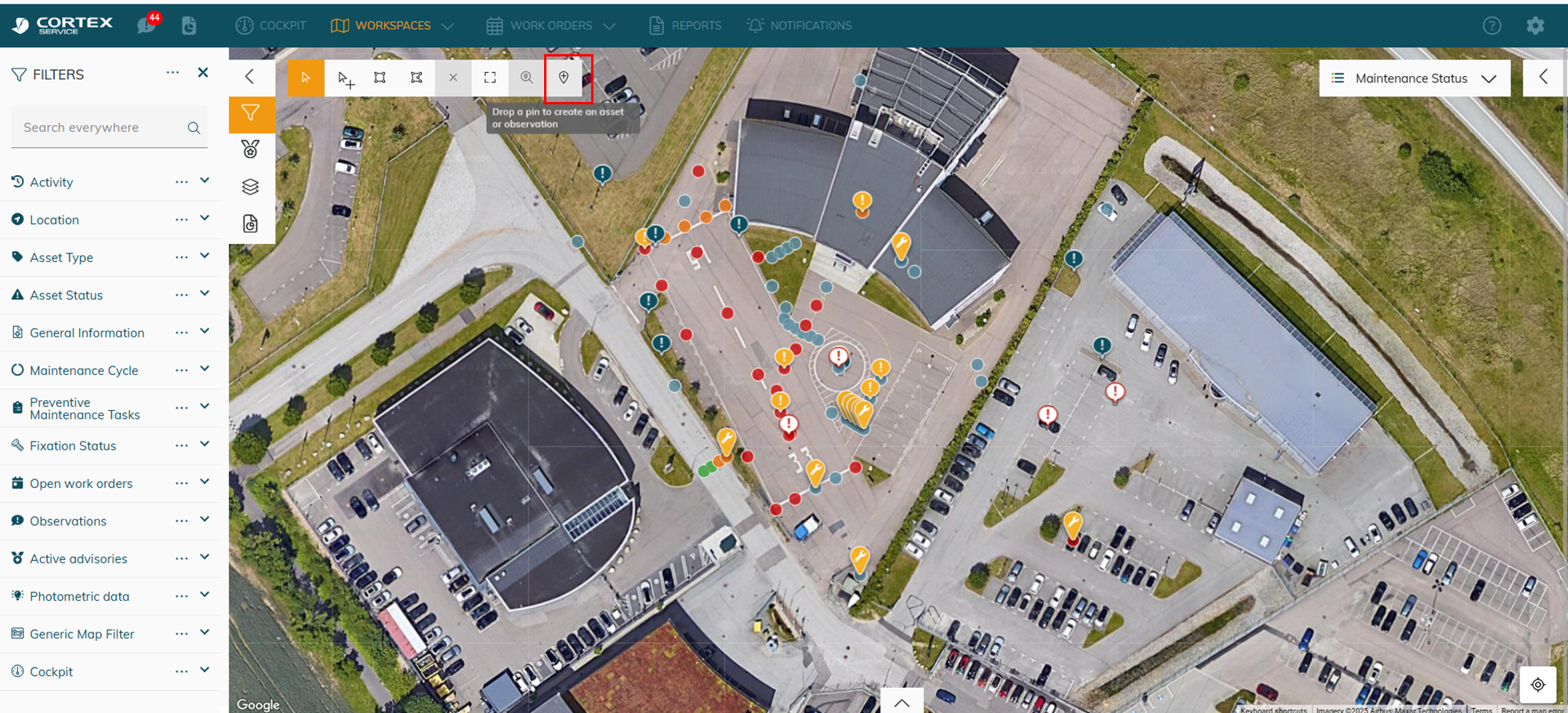
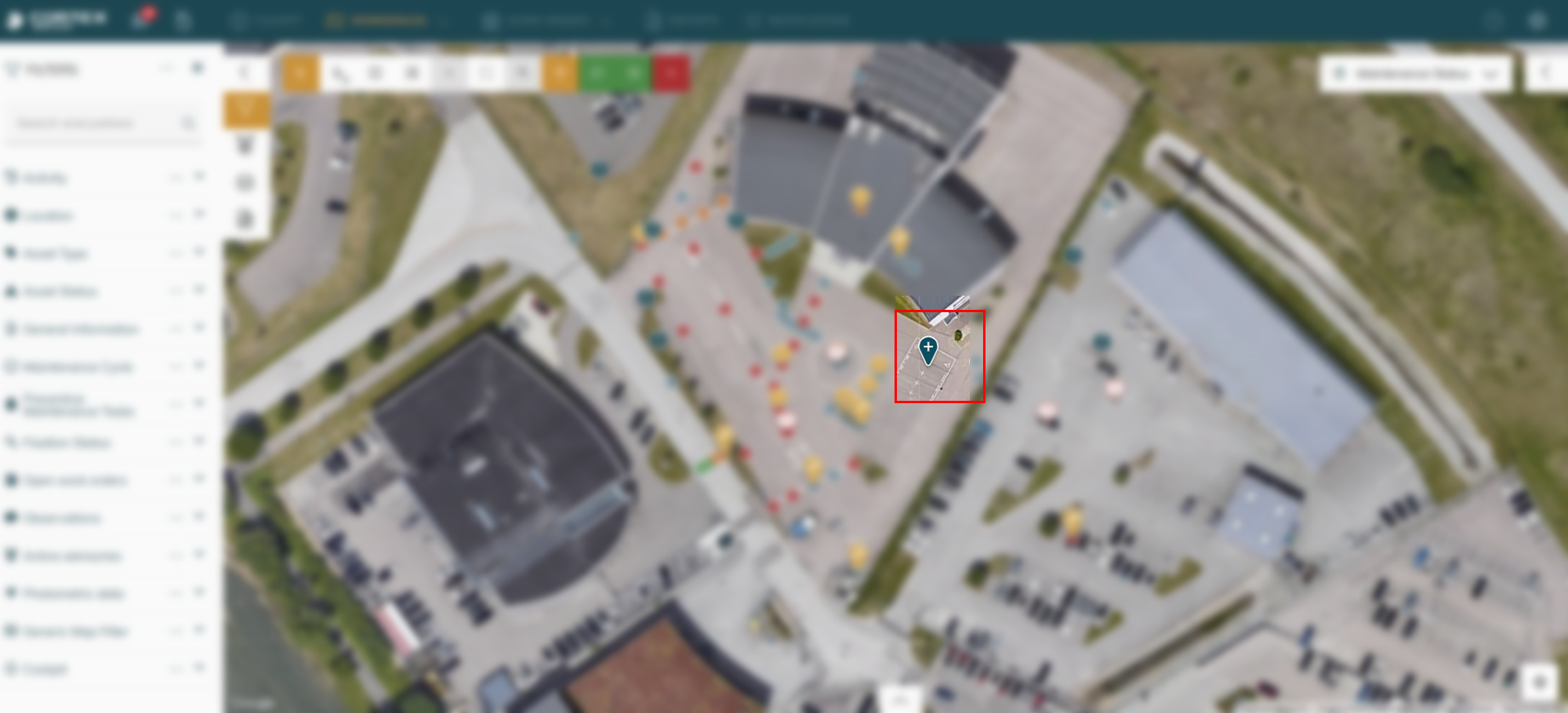
image-20250814-132100.png
image-20250814-132110.png
You can drag the drop pin around to your desired location
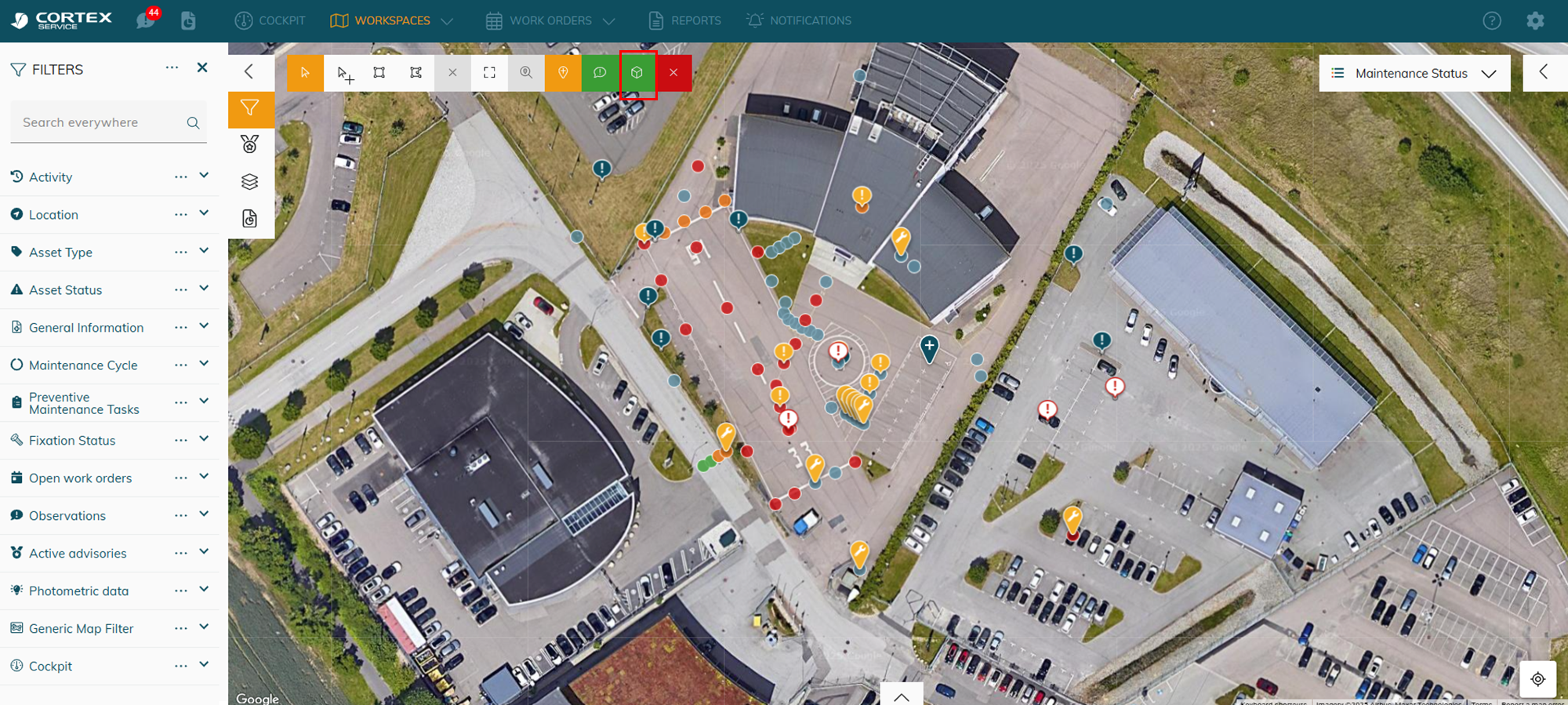
image-20250814-132148.png
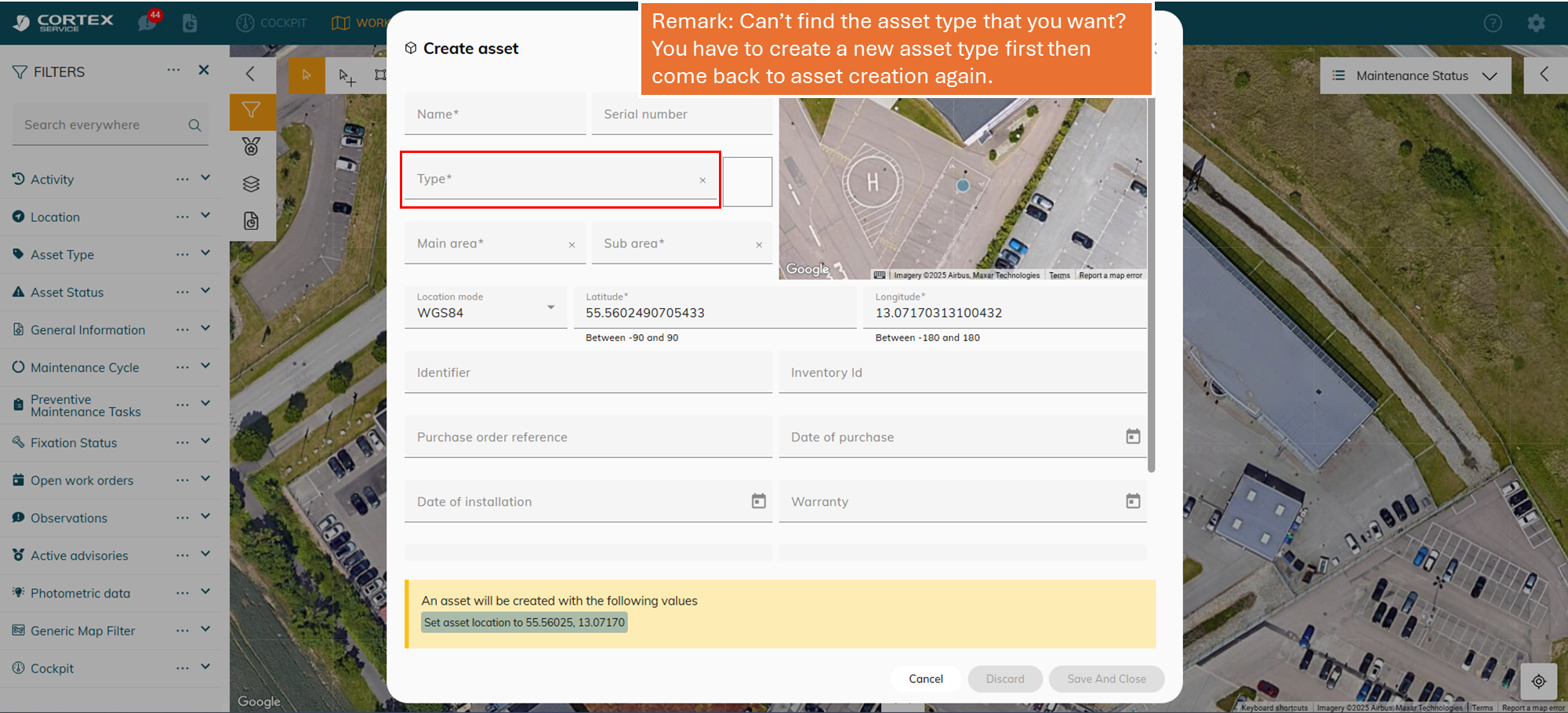
image-20250814-132228.png
Add the necessary information. If you cannot find the asset type that you need - You have to create a new asset type! Keep reading


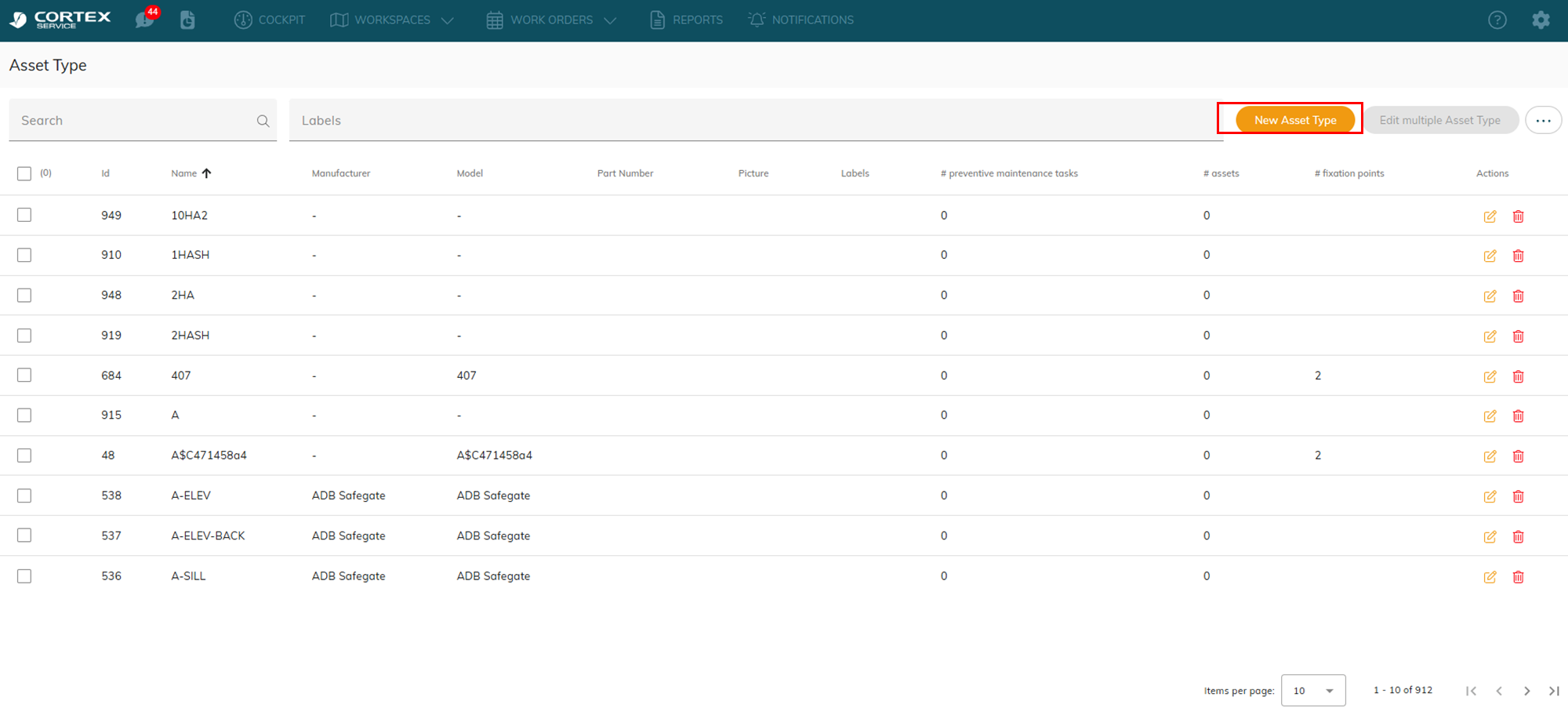
Create a new asset type

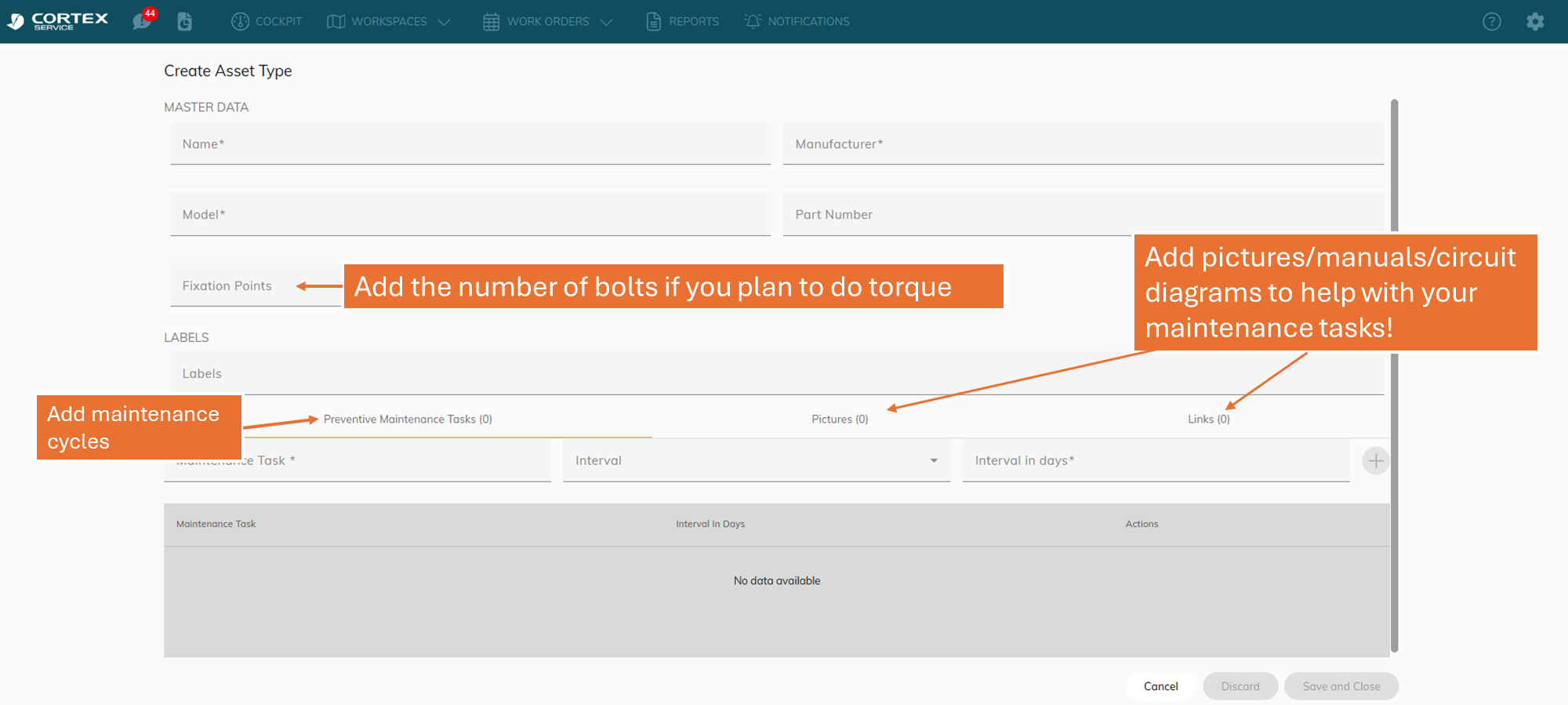
Asset type refers to a group of asset with the same property.

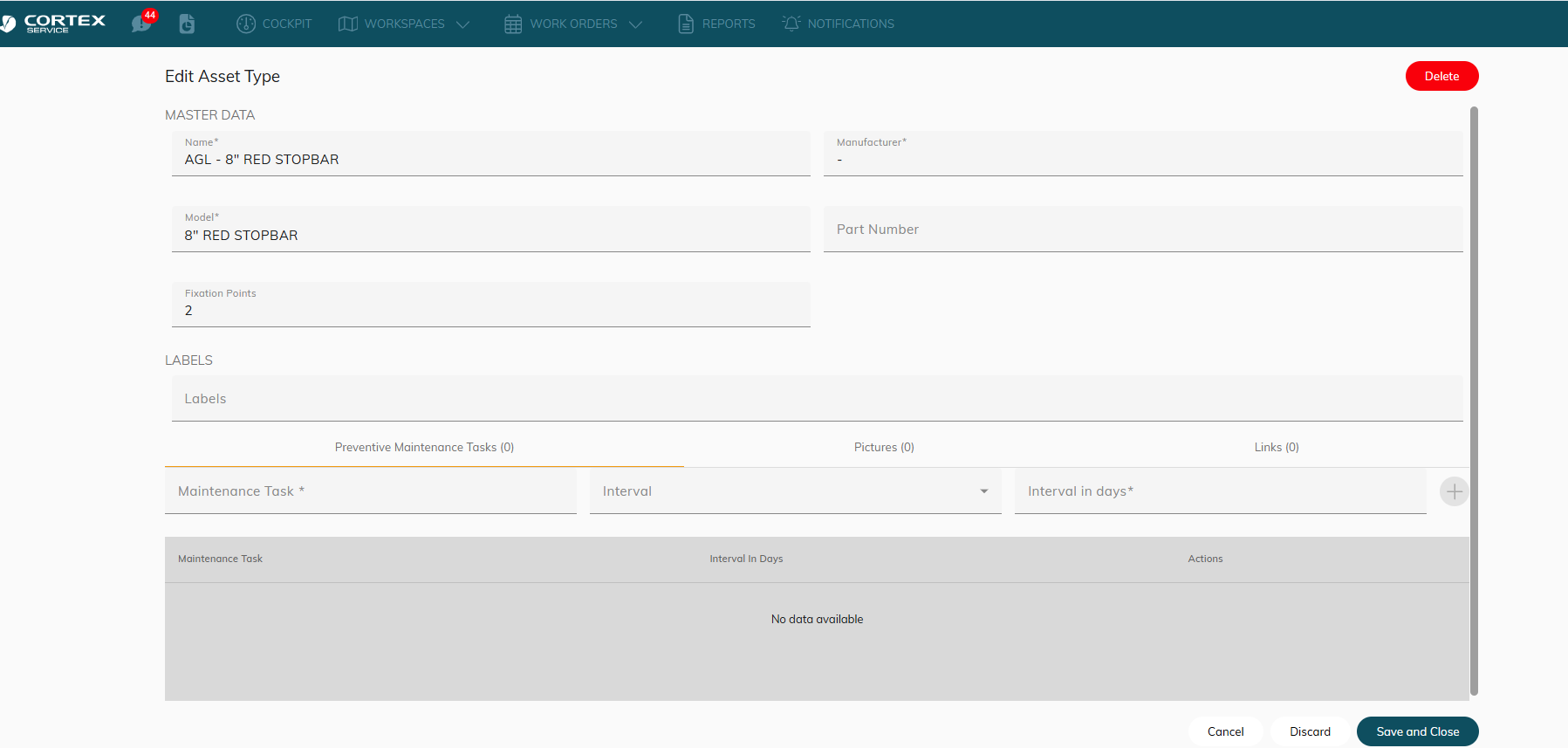
Example: I will show you how to create stop bars
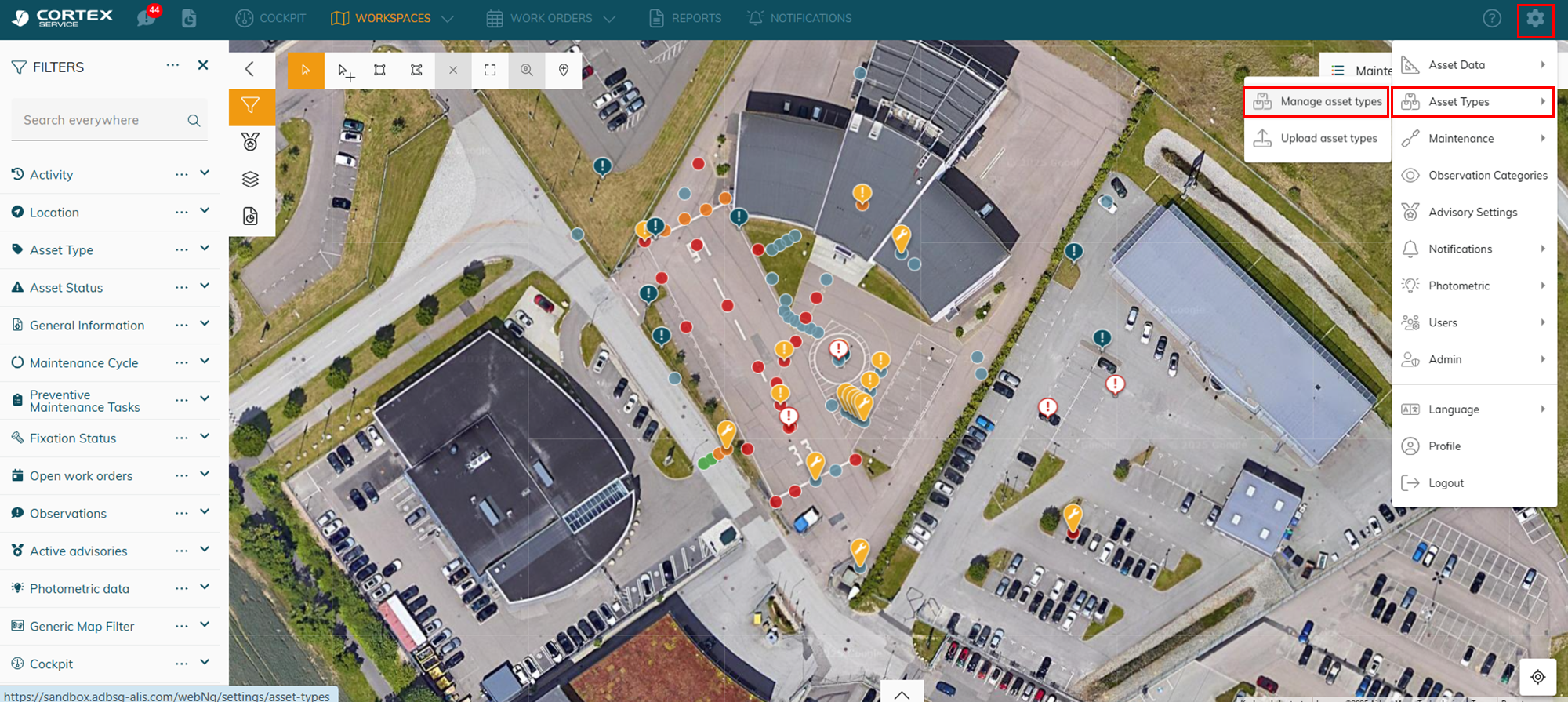
image-20250814-132336.png
image-20250814-132345.png
image-20250814-132407.png
image-20250814-133306.png
Example - I create a type call AGL - 8"“ RED STOP BAR

After you create an asset type → you can go back to create an asset and assign the type to it.
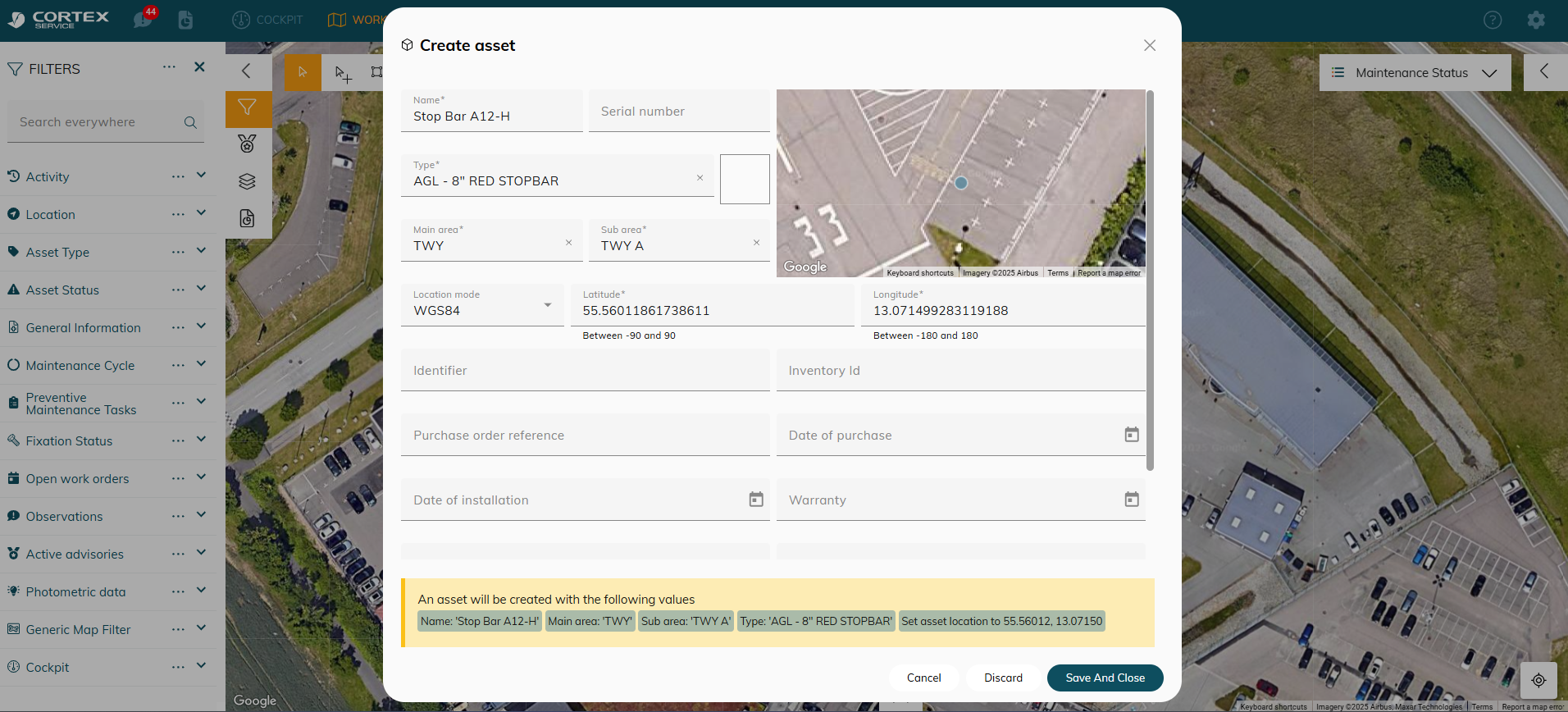
image-20250814-133437.png
Example: I create an asset called Stop bar A12-H and assign the AGL - 8"“ RED STOP BAR type to it. Now I can create 100+ stop bars and assign this 1 type to all of them.