

For increased security on your user account , you can enable 2FA or 2-Factor-Authentication on your account.
📘 Instructions
To enable 2FA on your account
-
Login to your ALIS instance and go to Settings- Profile
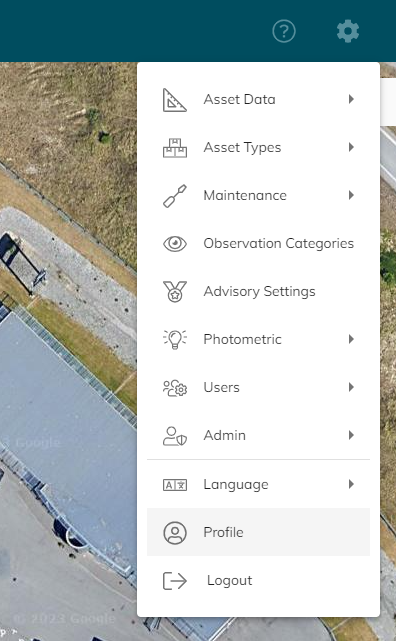
-
Under “Account security” go to “Signing in”
-
Then go to “Setup Authenticator Application”
-
Follow the instructions to enable the 2FA
You can use different Authenticator applications as Microsoft Authenticator
https://www.microsoft.com/en-us/security/mobile-authenticator-app