

< Back To CORTEX Service How-to-articles
If you would need some support in using our software solution or want to have some assets added or changed to your system, you can create a service request ticket.
This how-to will show you have to create a service request ticket
Step-by-step guide
You can reach the Servicedesk as following
-
Log into the Web-application
-
Navigate to the Questionmark on the top right of your screen.
-
Select the HELPDESK link - https://adbsafegate.atlassian.net/servicedesk/customer/portal/11
-
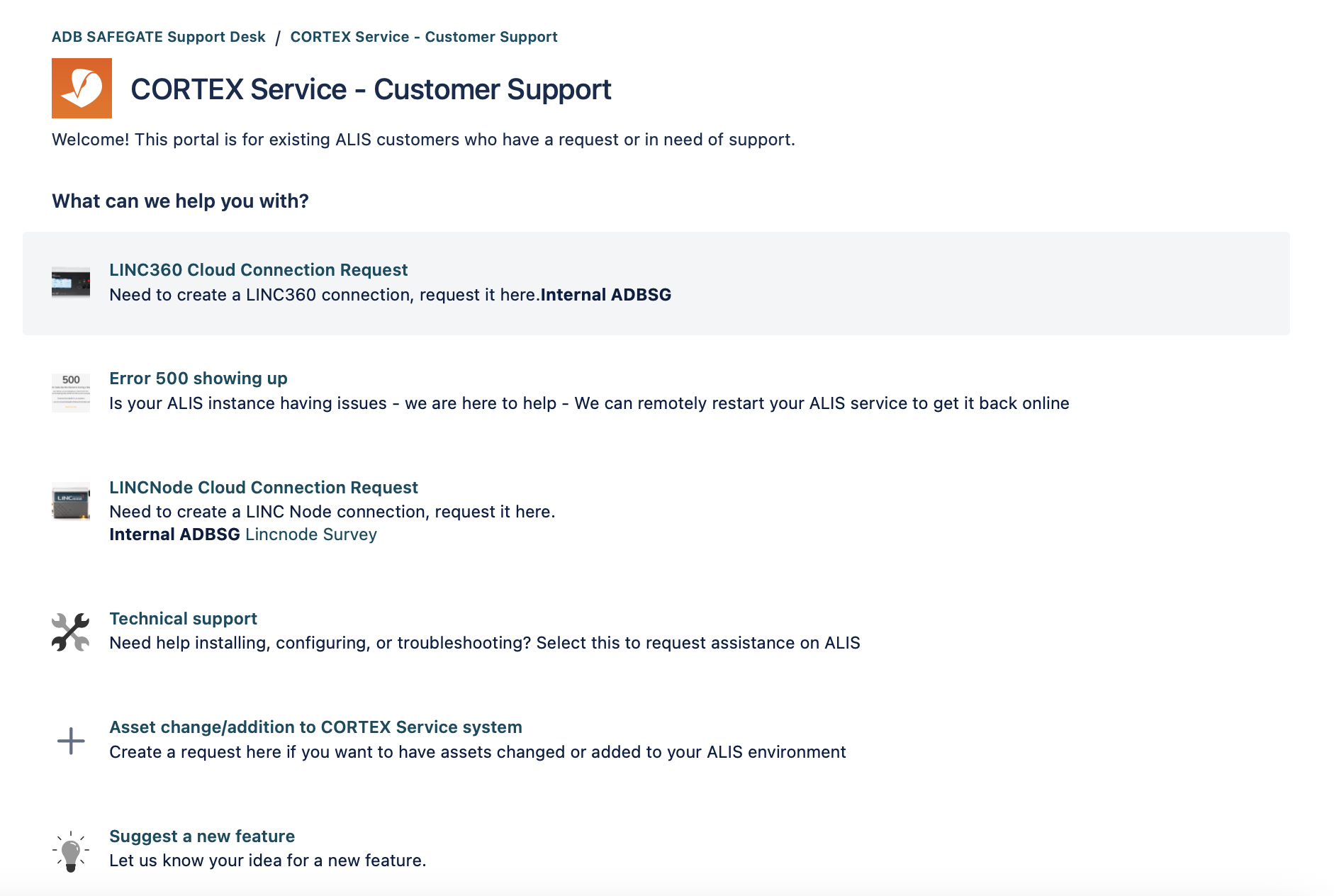
You can now select the type of service request you want to make.
-
Fill in the form show and press submit.
-
An engineer will help you asap with your request.
-
The Service desk can also be reach directly with the following link : SERVICEDESK
-
You can also find the the Operation manual of theiOS app within this servicedeks portal .
Related articles