

Steps to follow in order to export the photometric data from a FB Technology PAC system in order to be able to import it into ALIS .
Step-by-step guide
-
Open the FB Tec PAC Software
-
Select the correct measurement project
-
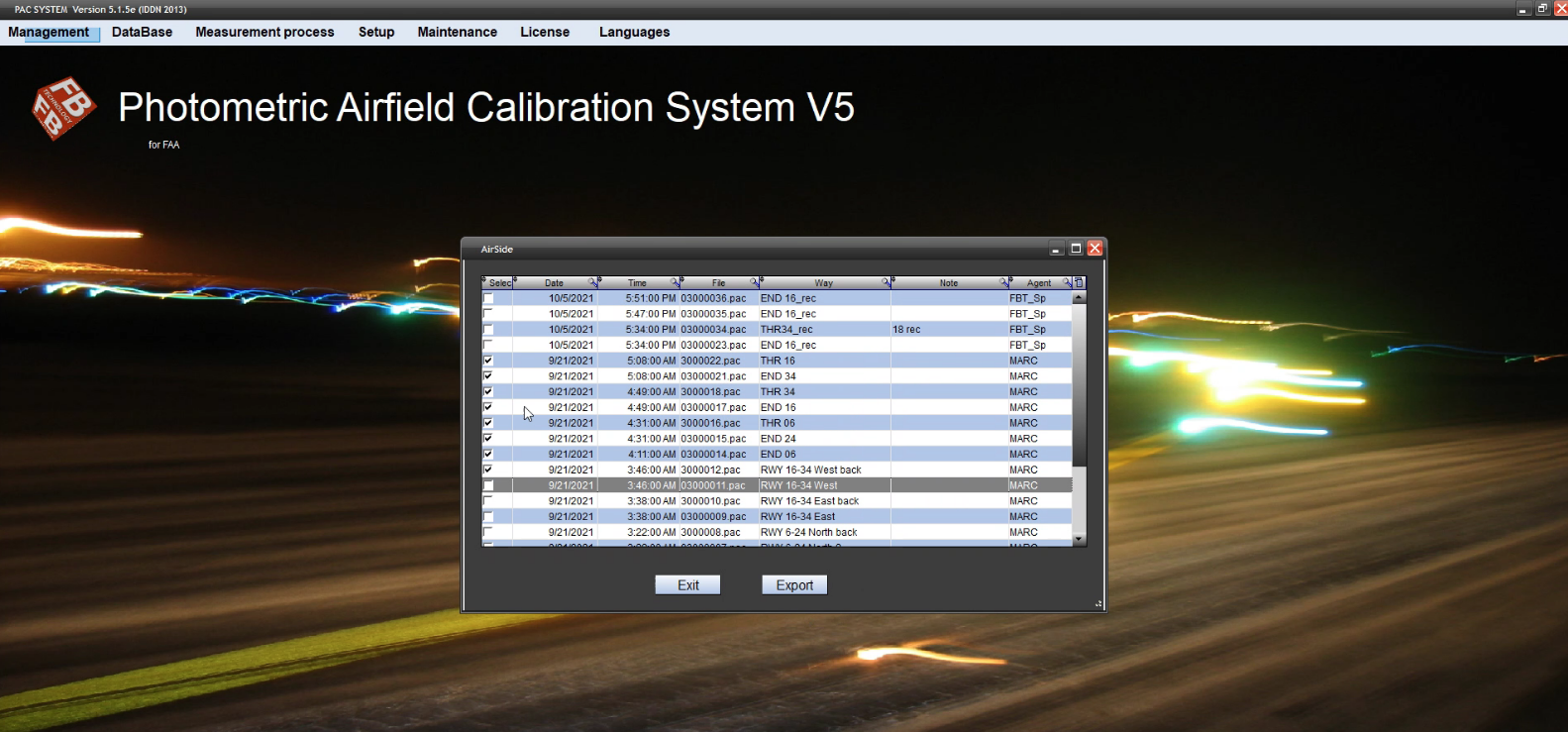
Go to "Management" > ALIS
-
Select the photometric run to export
-
You cannot select more than 1 run at the same time to export, this is something that FB tec will work on in the future
-
You should include double-sided measurements in the same export
-
-
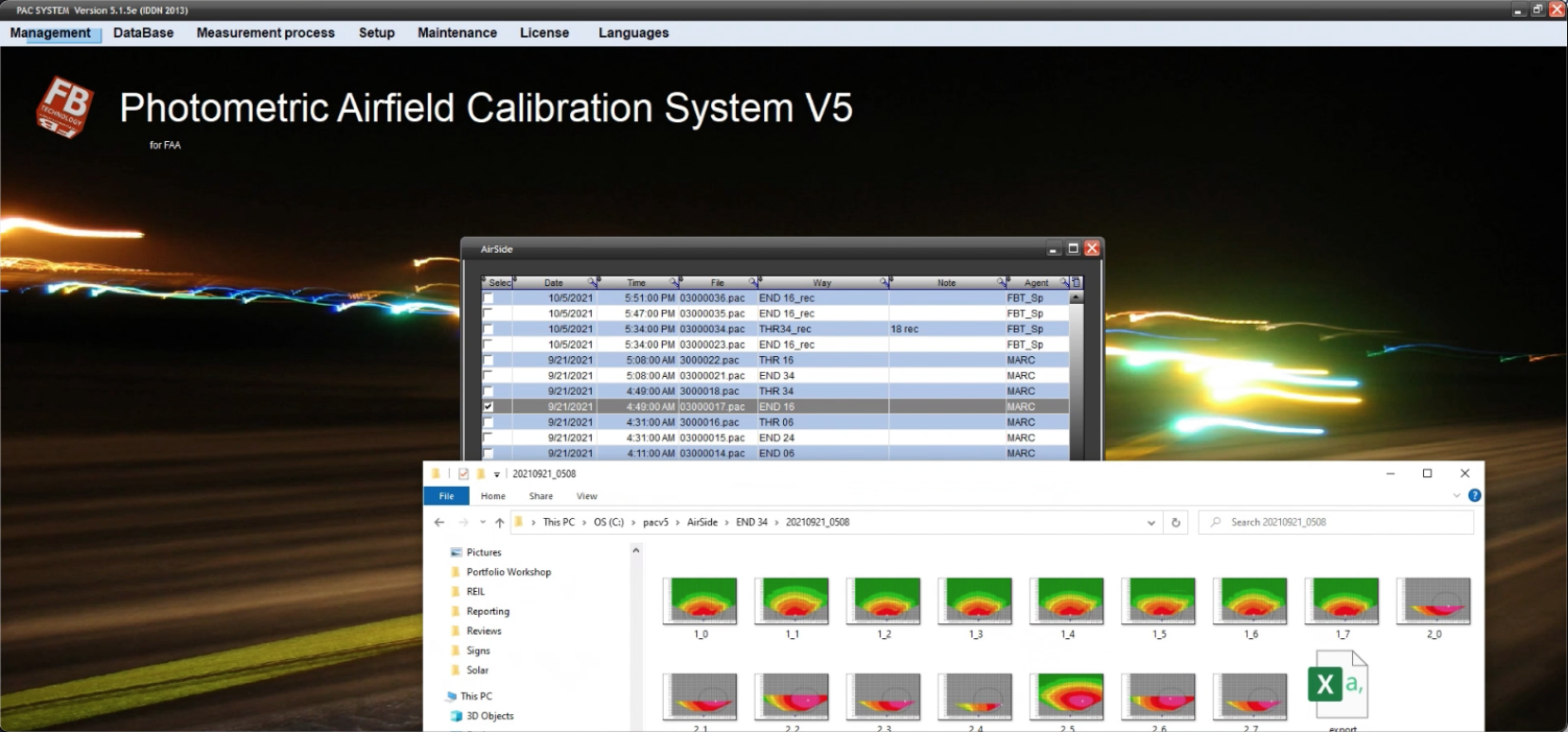
Hit Export
-
You will receive a folder with the images reference to a spreadsheet Export file.
It is important that ALIS and FB tech will be able to reference to the correct light.
Check out Photometric documentation for information on that Photometrics by using the same name - location or a mapping table
Related articles